On this page
Before & after (slider) – What This Section Does
The Before & after (slider) section pairs two images in one interactive block—readers drag the slider and immediately see the difference between the before and after states. Use it for rebrands, retouching, UI tweaks, or progressive product releases. For a single static visual without a slider, consider the Simple Image section.
Display variants
- Basic comparison (4:3) – classic framing for documentation and presentations with one image pair
- Square format (1:1) – a stable crop for product detail shots and social-style visuals
- Original aspect ratio – no forced crop; images keep the proportions they were prepared in
- Multiple comparisons at once – up to five pairs in one section for a series of edits or scenes
- Custom slider color – divider colour aligned with the brand palette for contrast on specific photos
When to use it
- Documenting logo, website, or app redesigns with a clear old-vs-new view
- Showcasing photo retouching, colour grading, or mockups before production
- Product or engineering guidelines comparing previous and current UI states
- Campaigns or case studies where the transformation must land instantly
- Client-facing decks where the visual impact of a change needs to be obvious
Variant: Basic comparison (4:3)
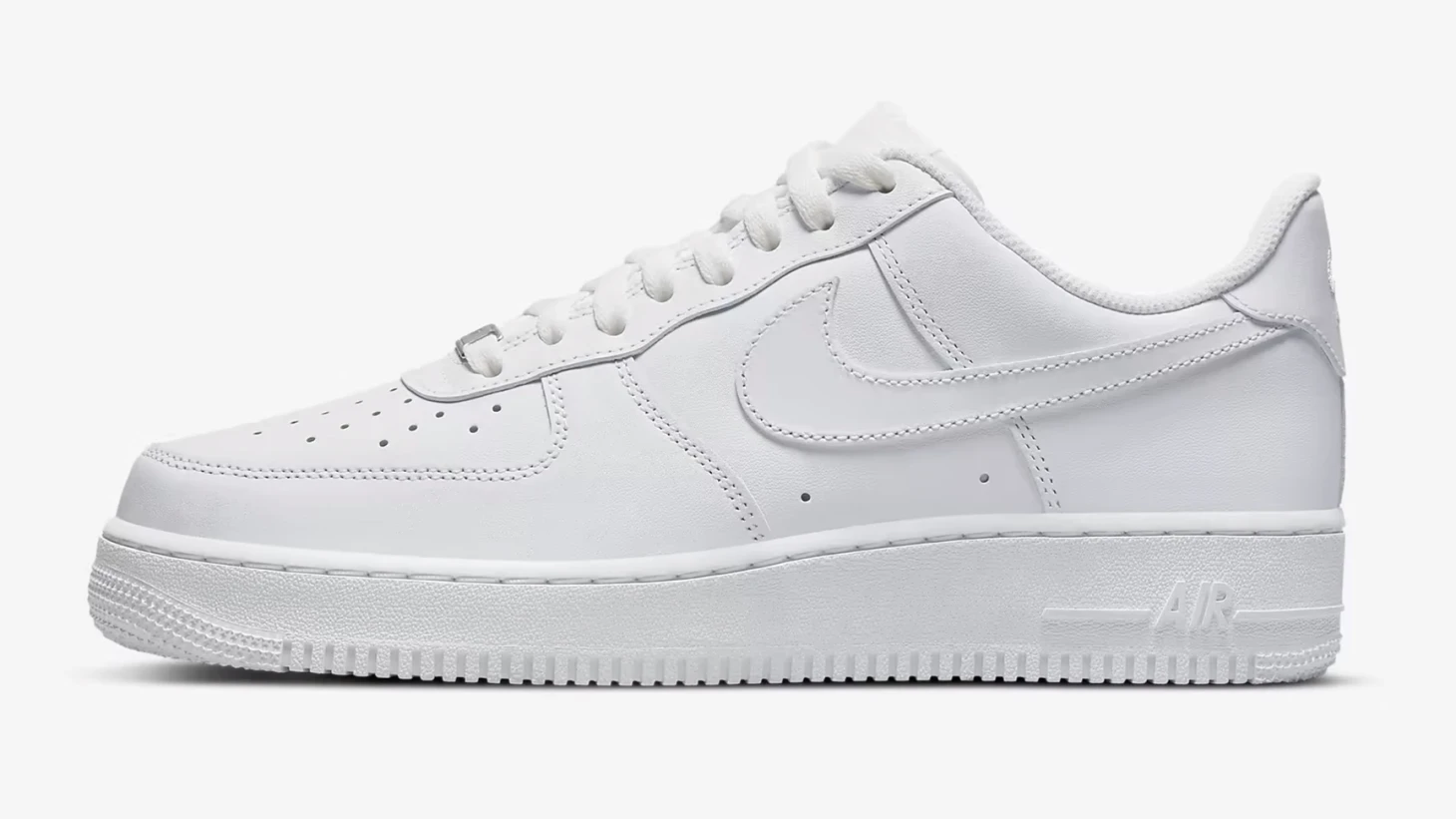
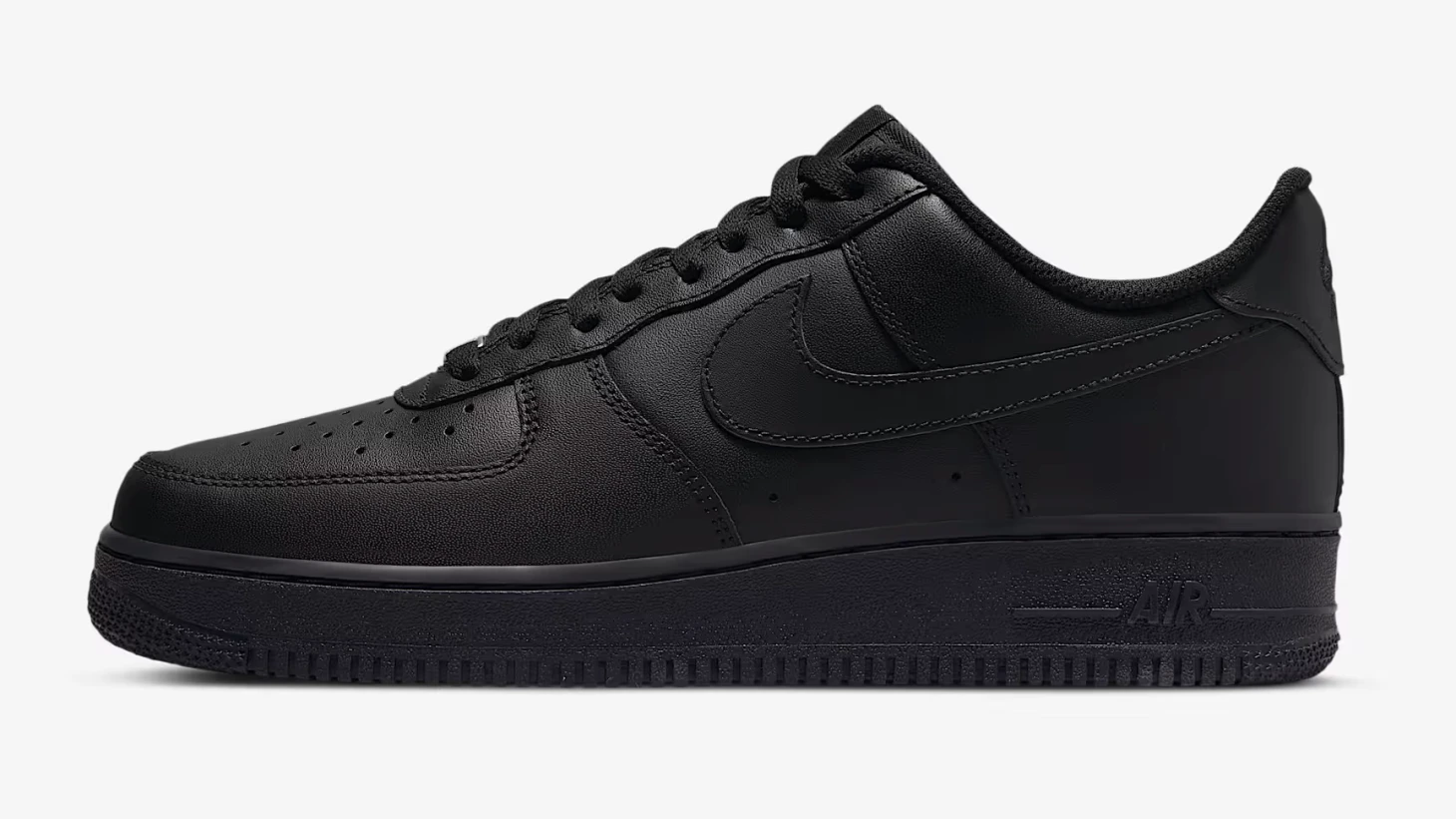
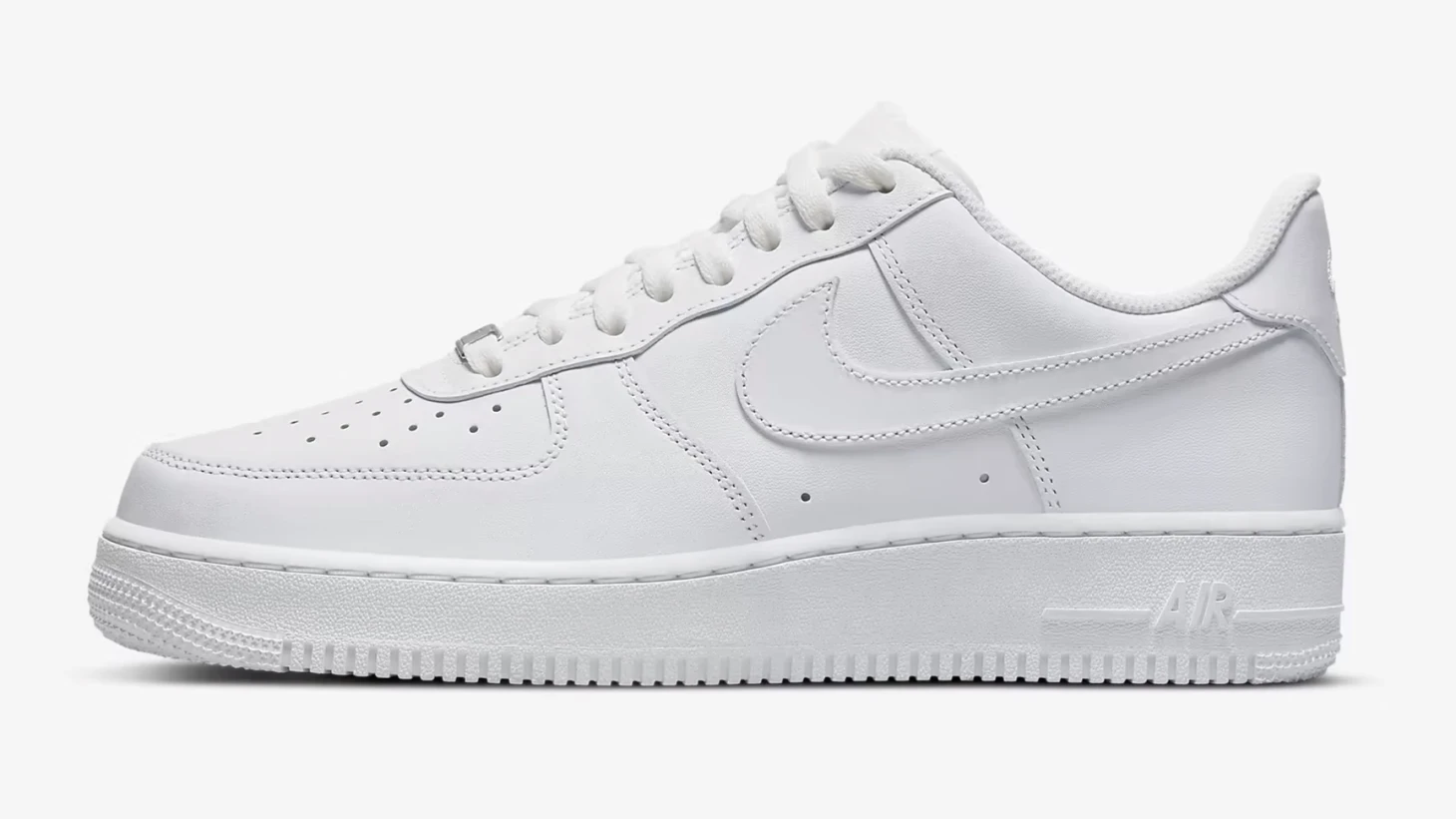
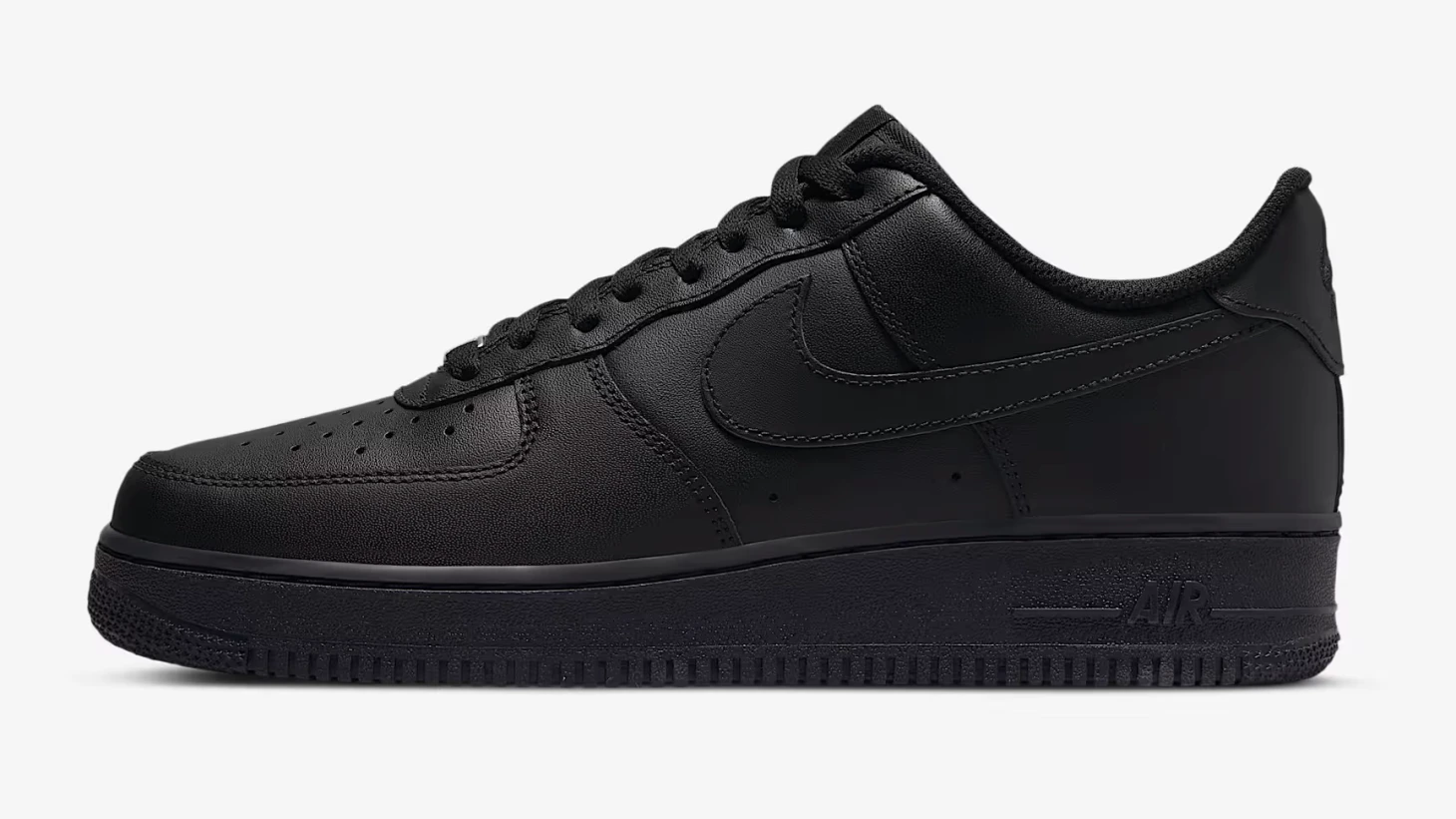
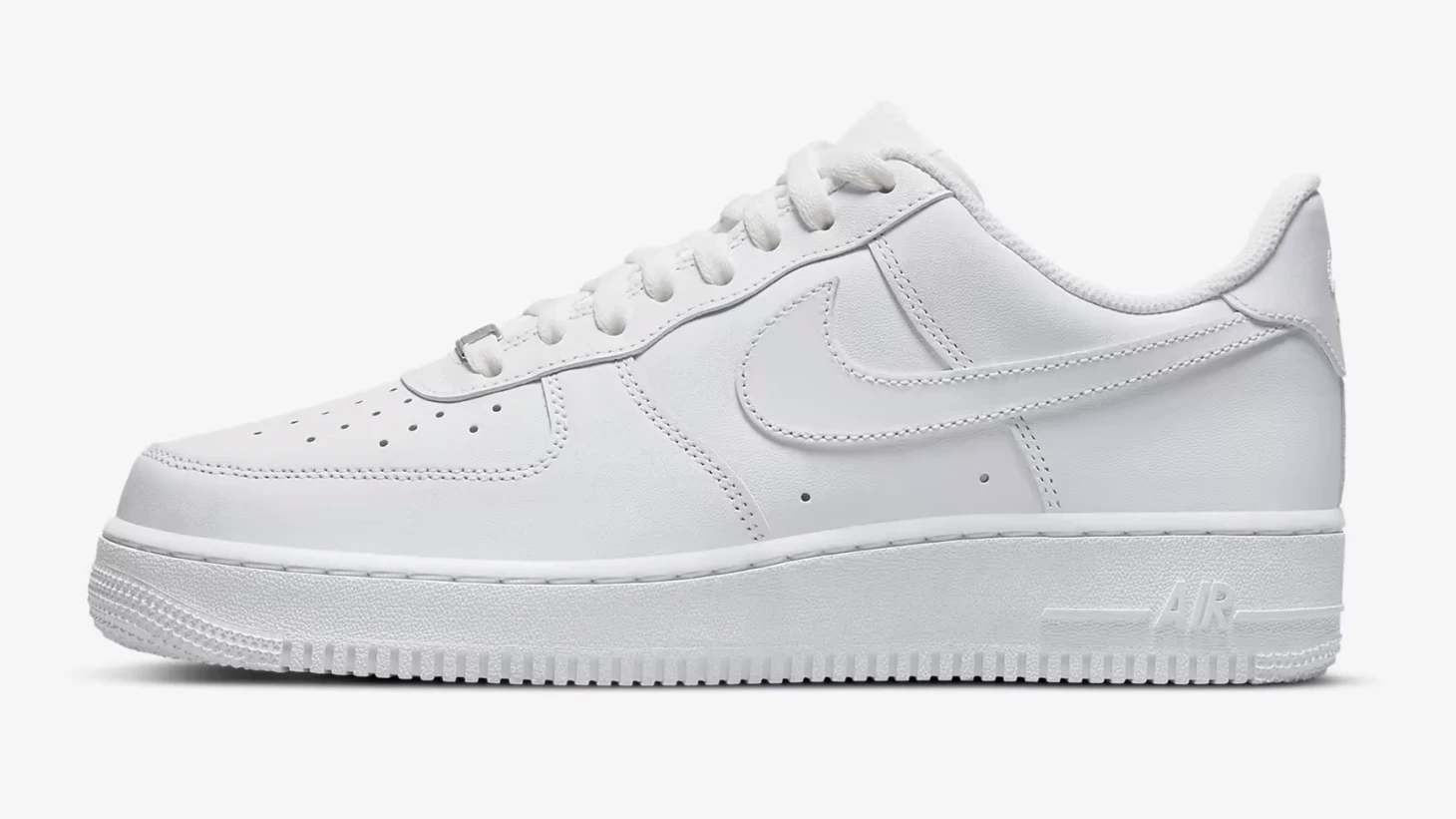
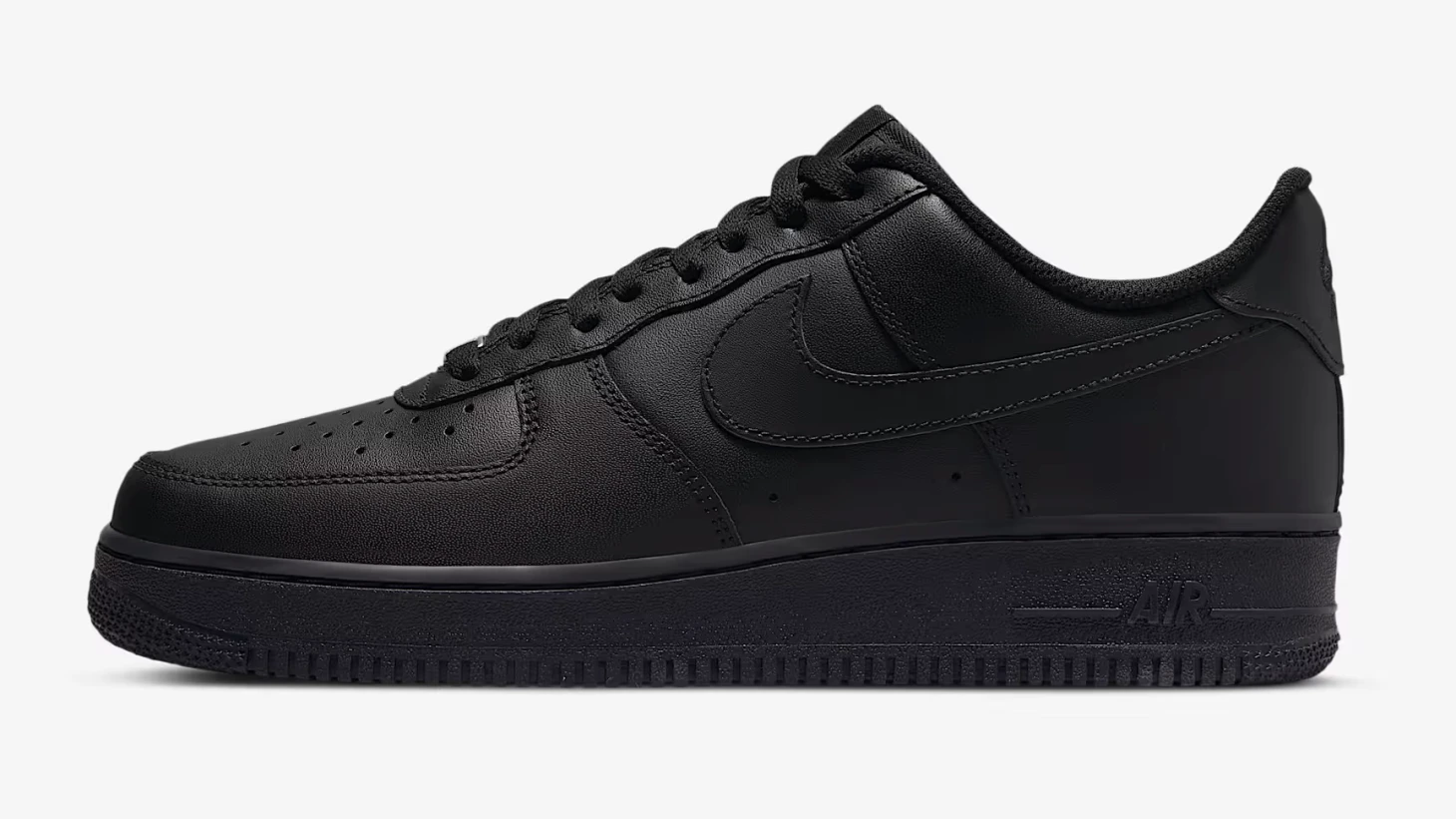
The most common slider variant – a single pair of photos in 4:3 aspect ratio. Ideal for comparing designs, color versions, or photo edits.
Variant: Square format (1:1)
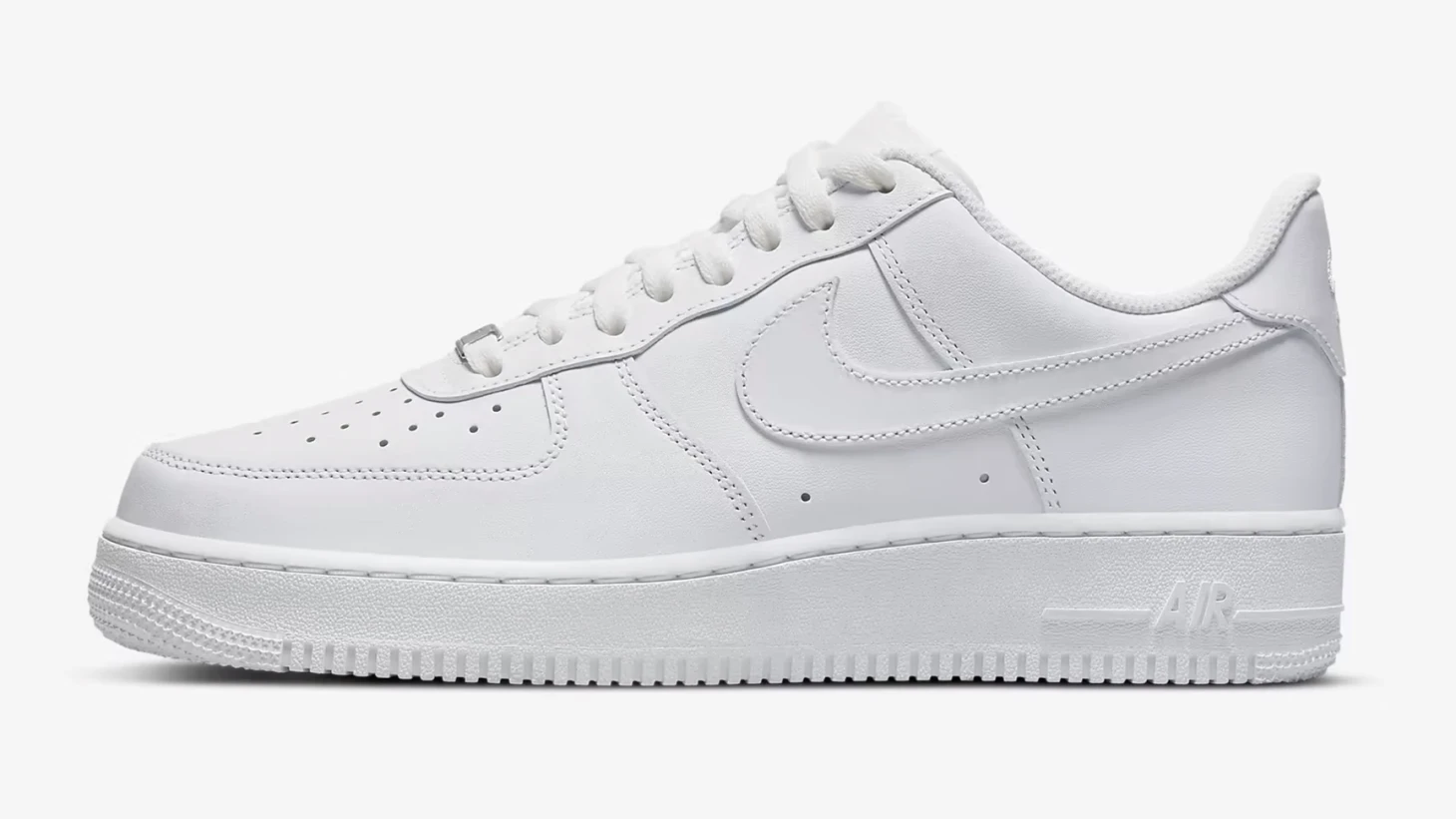
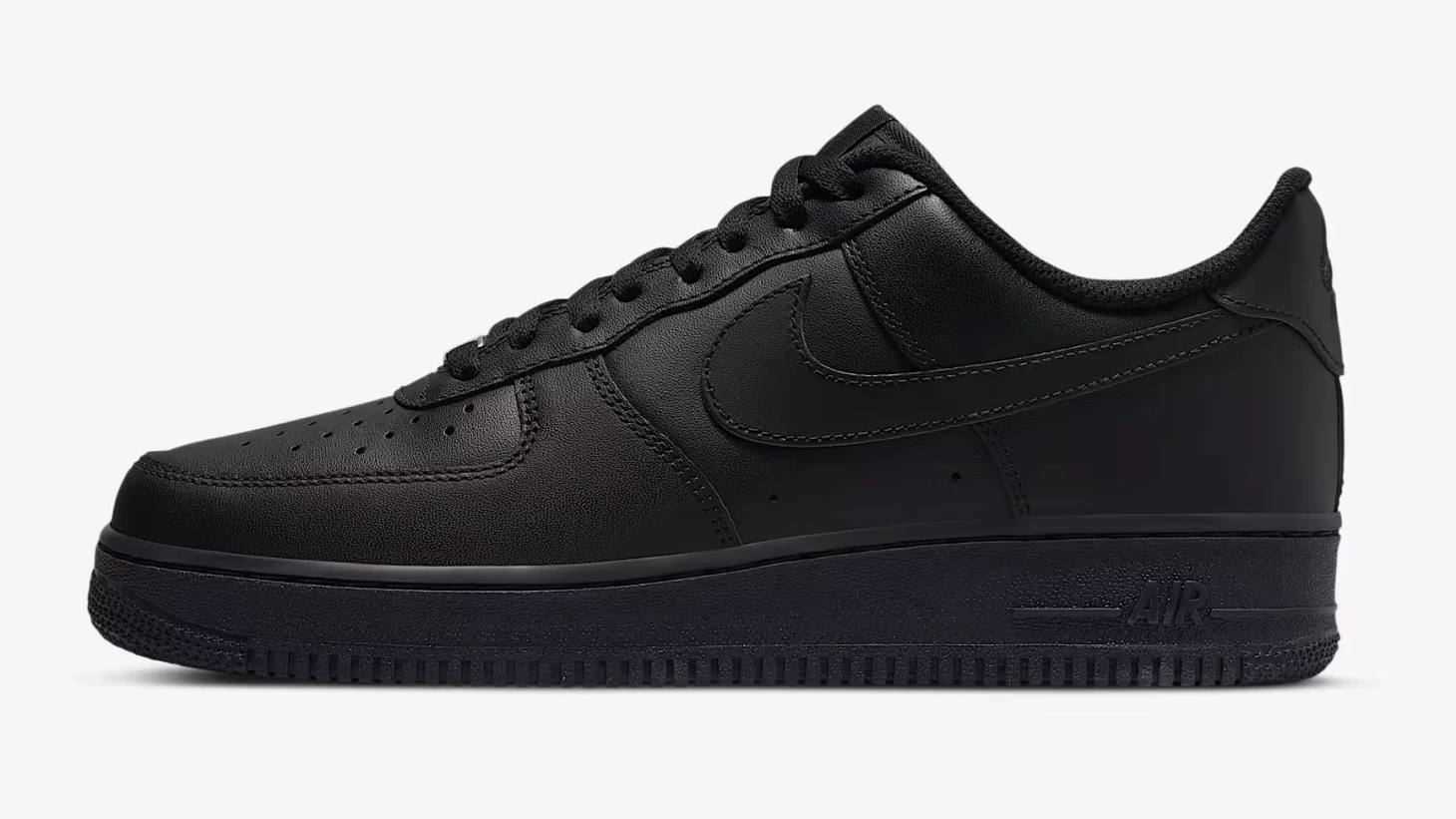
Slider with 1:1 aspect ratio – suitable for close-ups, product photos, or profile pictures.
Tip
The square format ensures consistent display across all devices and is ideal for social media.
Variant: Original aspect ratio
Slider preserving the original aspect ratio of uploaded images – no cropping, exactly as they were captured.
Note
Use the original aspect ratio when you do not want to lose any part of the composition. Both images should have the same resolution.
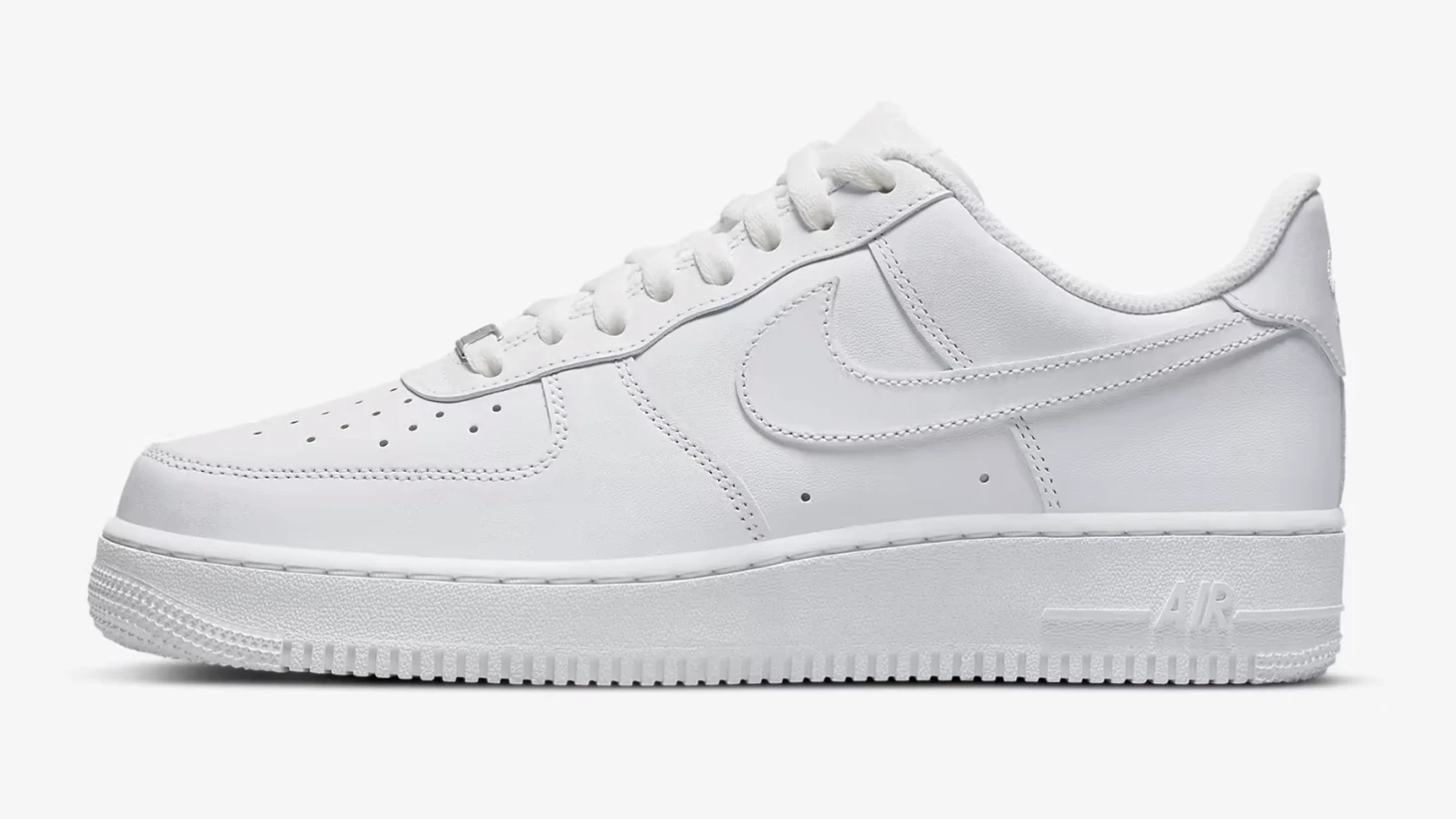
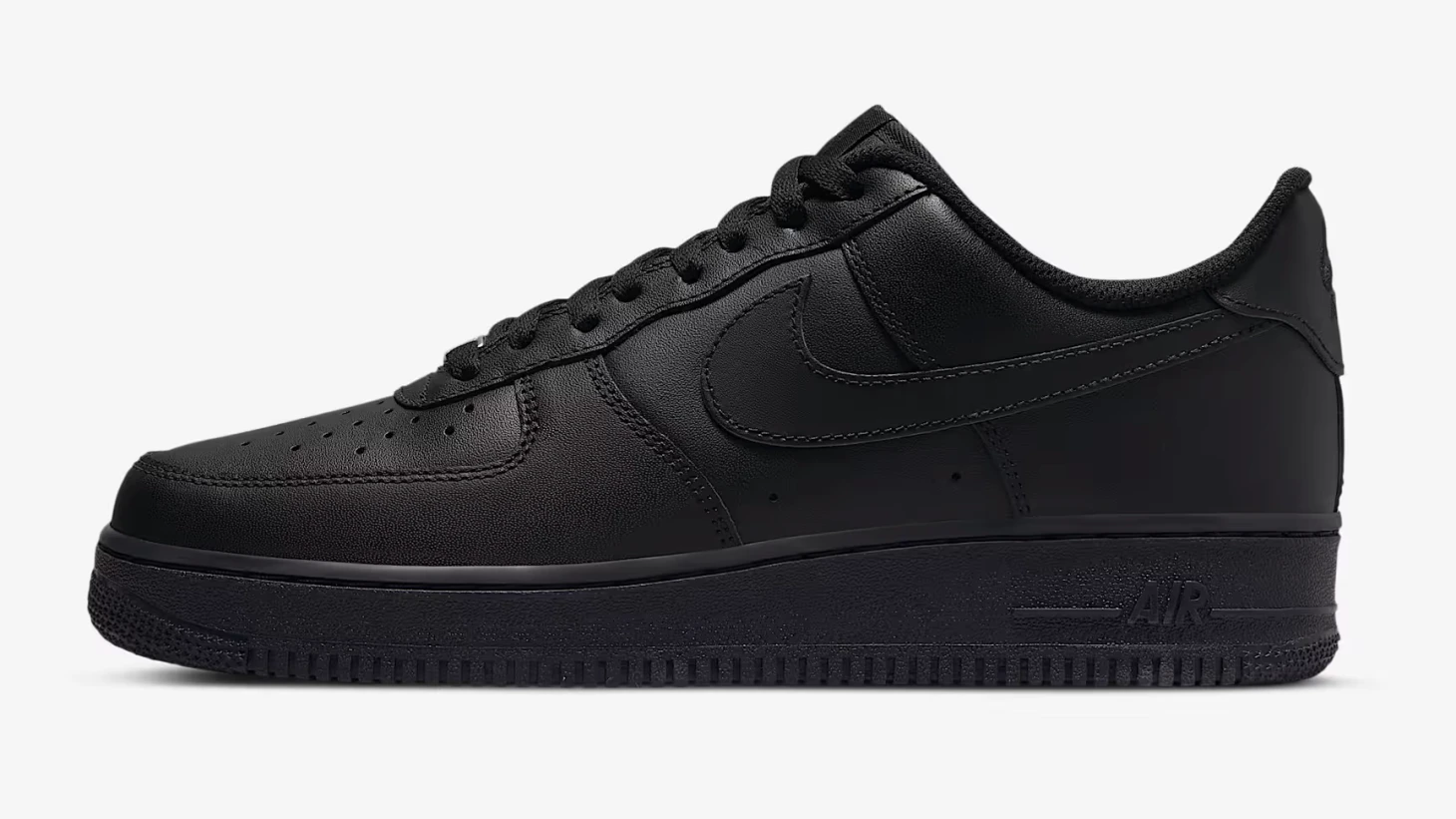
Variant: Multiple comparisons at once
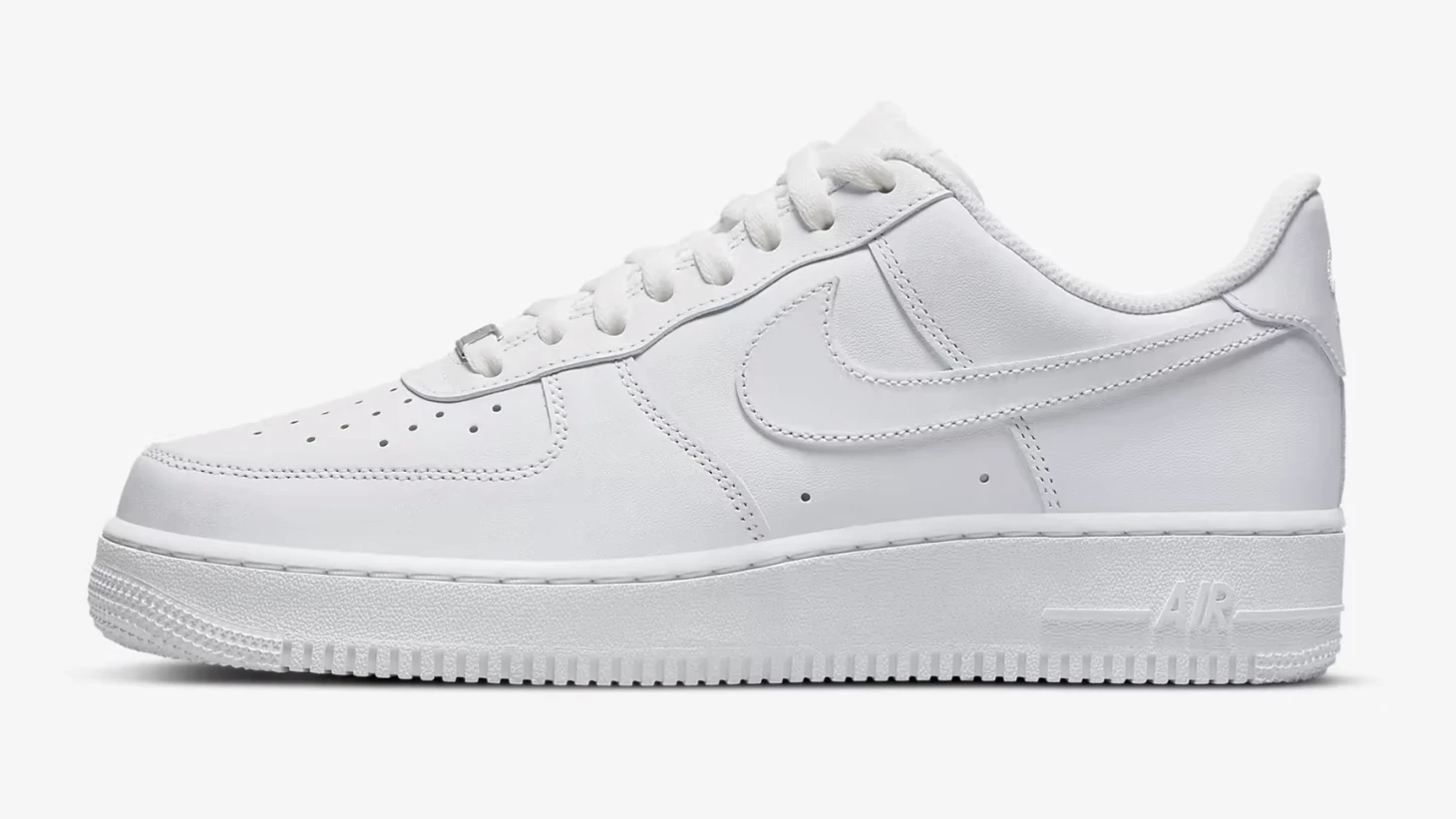
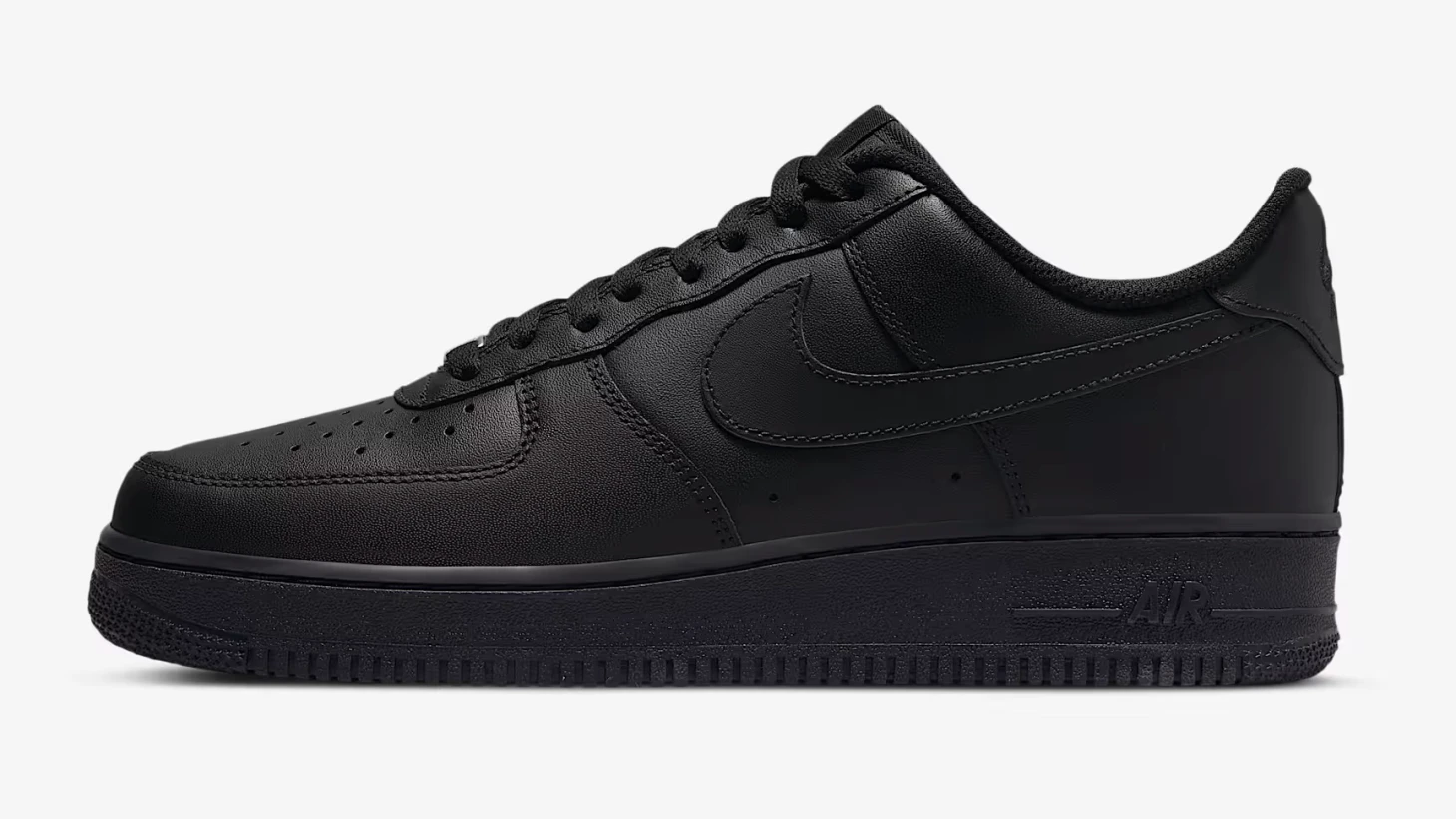
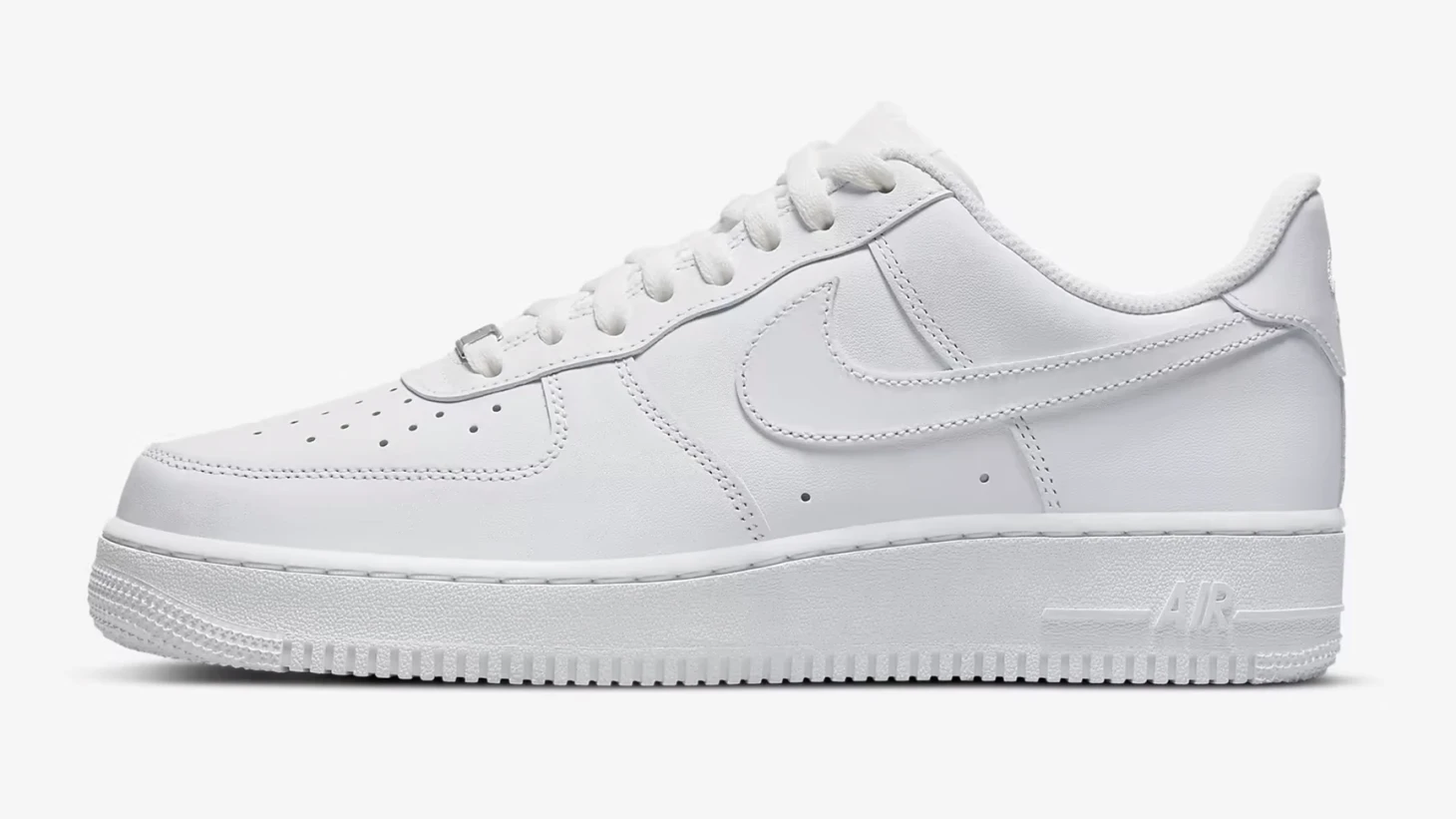
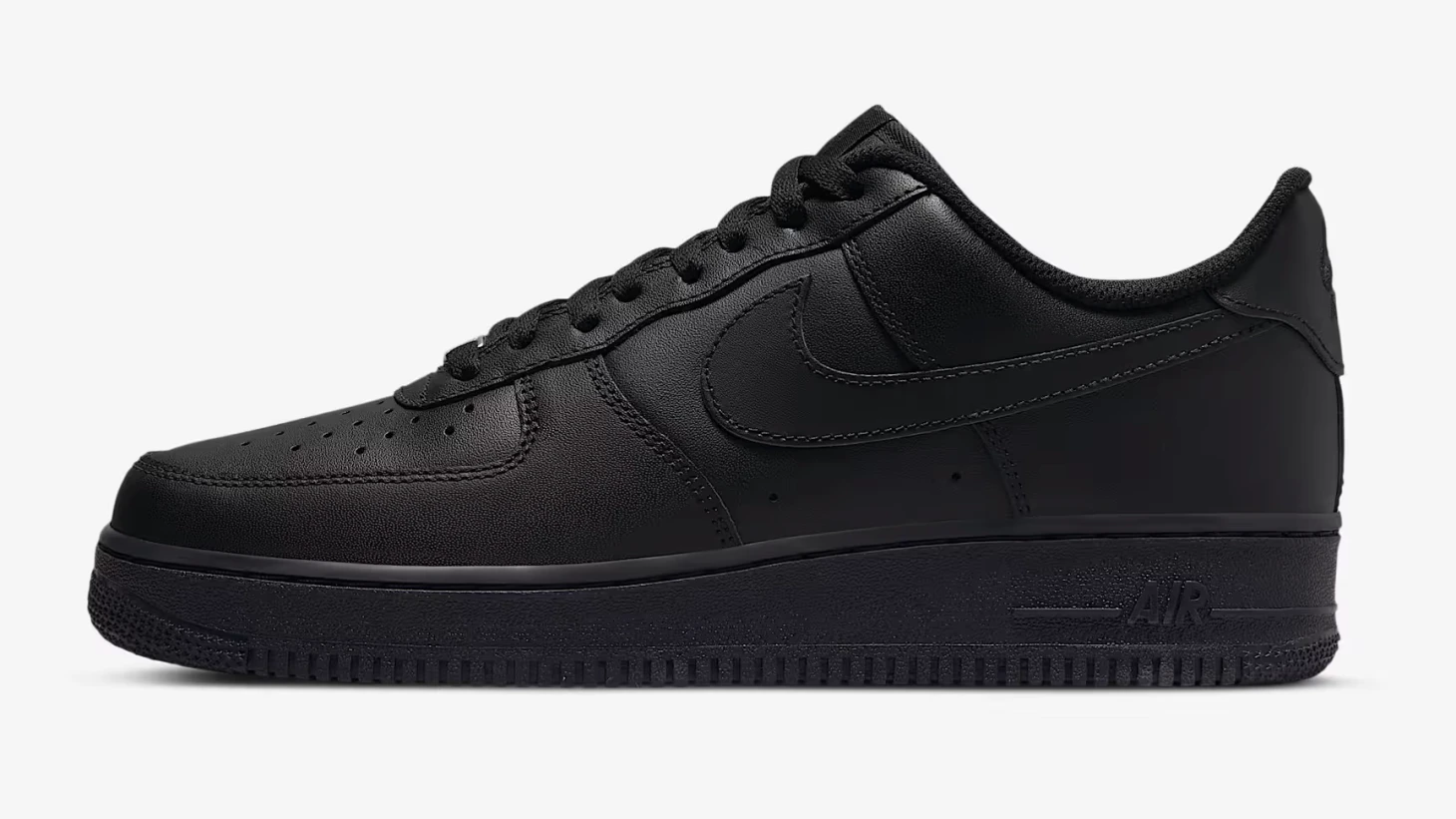
A single section can hold up to 5 image pairs – each with its own slider and captions. Ideal for presenting an entire series of edits.
Warning
When using multiple image pairs, we recommend keeping a consistent aspect ratio and resolution for a professional look.